5 Awesome ConvertX Alternatives
 Yulei Chen
ConvertX is a self-hosted file converter that supports over 1,000 formats. It wraps powerful backends like FFmpeg, ImageMagick, LibreOffice, Pandoc, Calibre, and Inkscape into a clean web interface, handling images, videos, documents, e-books, 3D files, and more. Because it's fully self-hosted, there are no file size limits, no watermarks, and no privacy concerns.
ConvertX is free and open-source with no cloud-hosted option. You can deploy it on Sliplane for just €9/month per server, with one-click setup, HTTPS, and persistent storage included. Check out our easy deploy guide to get started in minutes.
But maybe you need a cloud-based solution, a converter with built-in OCR, or something that runs entirely in the browser. Let's look at 5 awesome alternatives.
1. CloudConvert
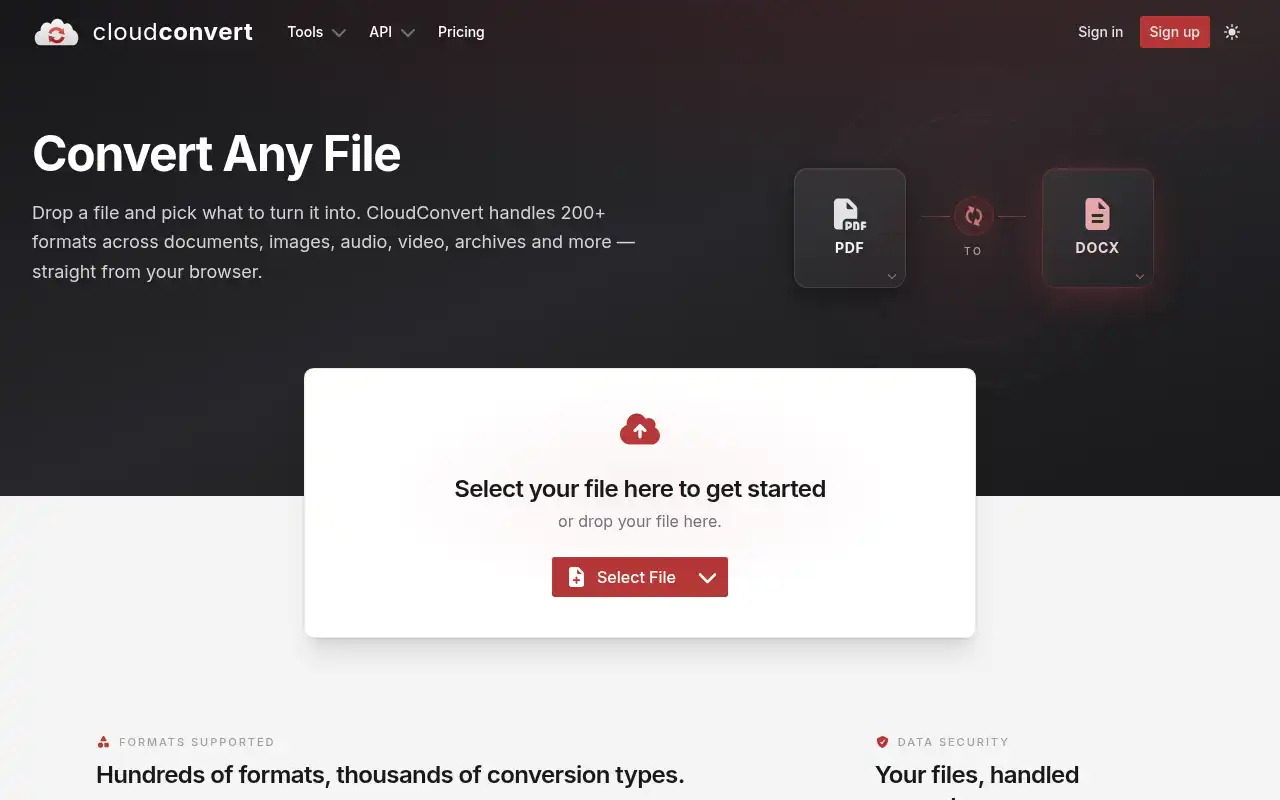
CloudConvert is the most popular cloud-based file conversion service, supporting over 200 formats including documents, images, videos, audio, e-books, and archives. Unlike ConvertX, it requires no server setup at all. You upload files, pick a format, and get your converted file back.
- Features: 200+ supported formats, REST API for automation, batch processing, file merging, watermarking, video/audio trimming, integration with Google Drive, Dropbox, OneDrive, and S3, webhook notifications, and team billing.
- Why You Should Use It: If you don't want to manage any infrastructure, CloudConvert is the most polished cloud option. The API is well-documented and easy to integrate into automated workflows. Quality is consistently high, especially for document and video conversions. Team billing makes it easy to share one account across an organization.
- Why Not: It's a cloud service, so your files leave your infrastructure. Pricing is credit-based and can get expensive for high-volume usage. The free tier is limited to 10 conversions per day. There is no self-hosting option.
- Pricing: Free tier with 10 conversions/day. Packages (one-time, credits never expire) start around €8 for 500 conversion minutes. Subscriptions start around €8/month for 1,000 minutes. Enterprise plans with custom pricing available.
2. Zamzar
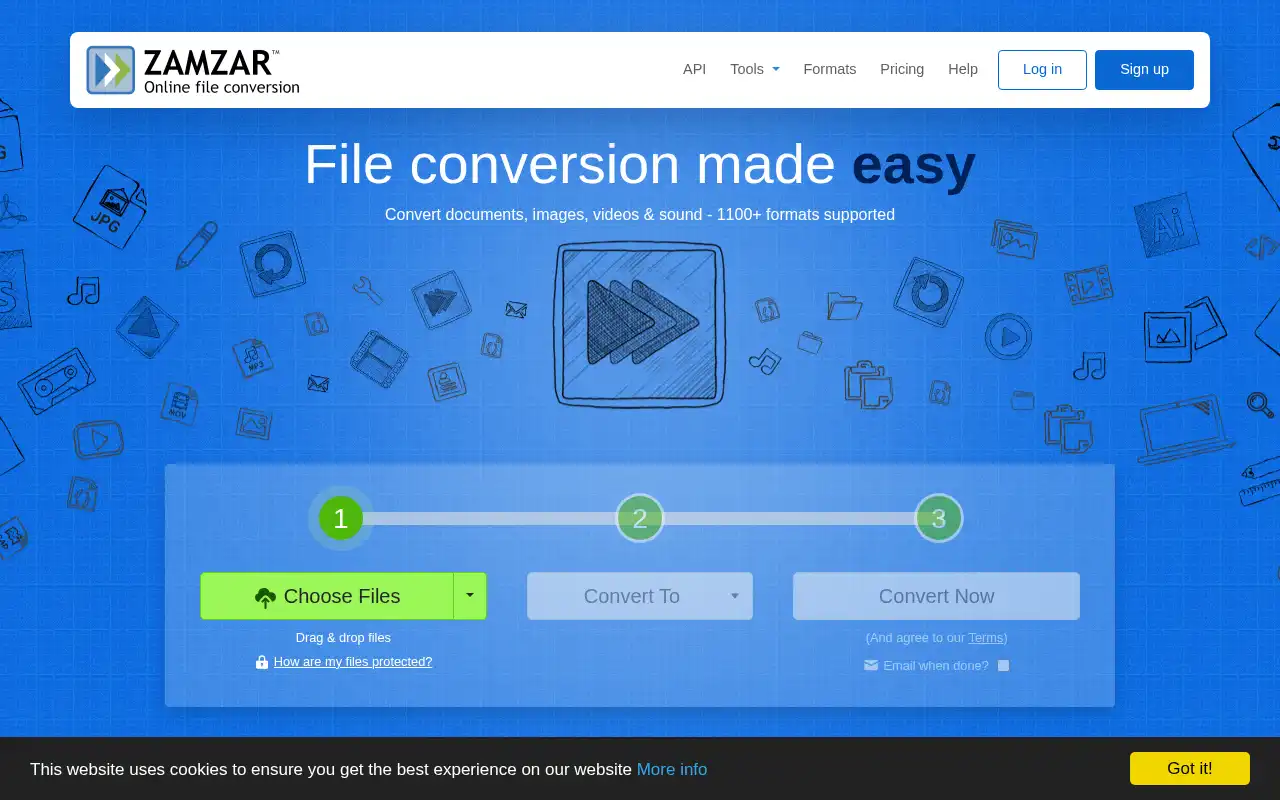
Zamzar has been one of the most well-known online file converters since 2006. It supports over 1,100 conversion types across documents, images, audio, video, CAD files, and more. While ConvertX is self-hosted and technical, Zamzar is built for anyone who just wants to drag, drop, and convert.
- Features: 1,100+ format conversions, web-based drag-and-drop interface, desktop app for Windows and Mac, email delivery of converted files, batch processing, online file storage, and a developer API for programmatic access.
- Why You Should Use It: Zamzar is the simplest option for non-technical users. No Docker, no terminal, no config files. The desktop app handles conversions without even opening a browser. It has been around for nearly 20 years, so format support and reliability are well-proven.
- Why Not: The free plan only allows 2 conversions per 24 hours with a 50MB file size limit. Paid plans cap file sizes between 200MB and 2GB. It's cloud-only, so privacy-sensitive files are a concern. No self-hosting option.
- Pricing: Free (2 files/day, 50MB limit). Basic at $9/month (200MB, unlimited web conversions). Pro at $16/month (400MB). Business at $25/month (2GB). API pricing available separately.
3. Transmute
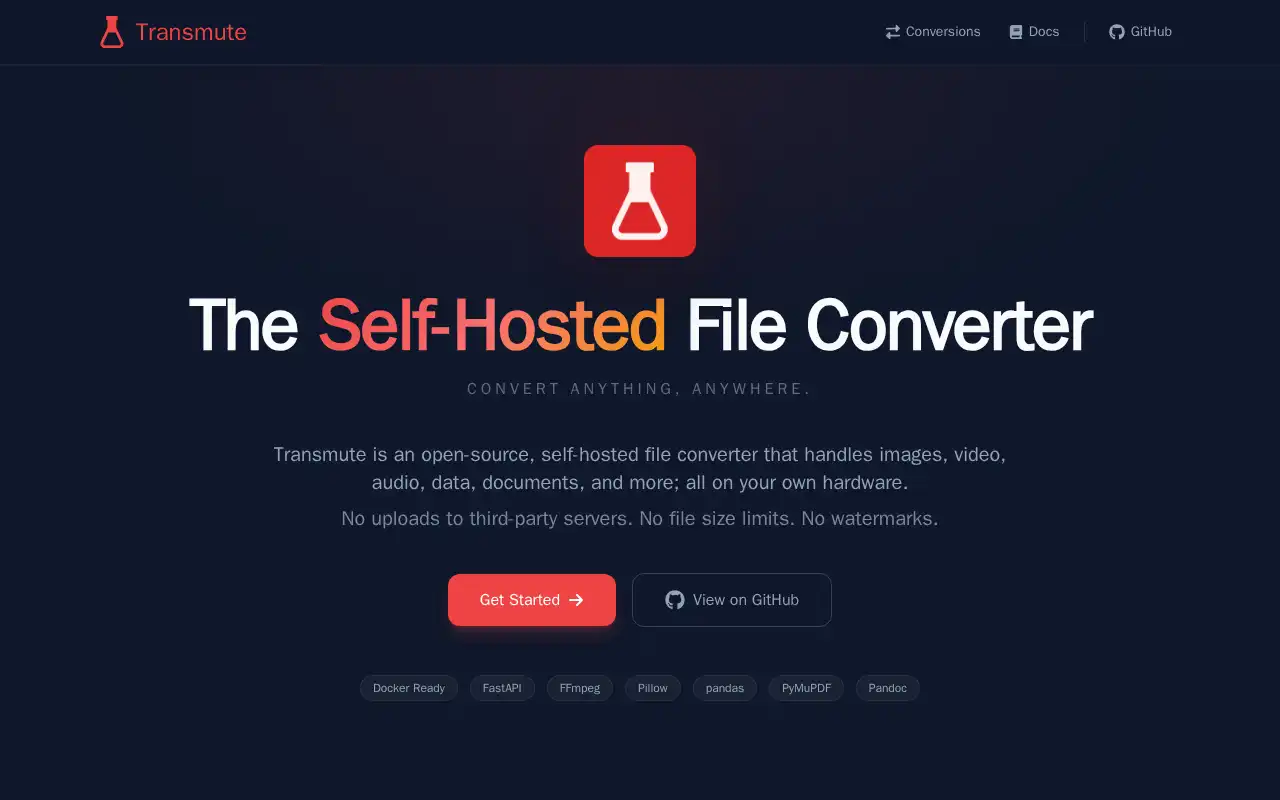
Transmute is a newer open-source, self-hosted file converter that supports over 2,000 conversions across images, video, audio, documents, spreadsheets, subtitles, and fonts. It was built as a more polished alternative to existing self-hosted converters, with a focus on clean UI, API-first design, and extensibility.
- Features: 2,000+ supported conversions, built-in REST API with OpenAPI documentation, user accounts with role-based access, API key support, Docker one-command deployment, 7 built-in UI themes (light and dark), configurable file retention, conversion history, and re-download of old outputs.
- Why You Should Use It: If you like ConvertX but want a more polished interface and a built-in API for automation, Transmute is a great pick. The REST API makes it easy to integrate with tools like n8n or Node-RED. Role-based access control is useful for shared team environments.
- Why Not: Transmute is relatively new, so the community and documentation are still growing. Format support, while broad, may have gaps compared to ConvertX's mature backend stack. The project recommends keeping it behind a reverse proxy on trusted networks.
- Pricing: Completely free and open-source. Self-hosting only. No cloud option or paid tiers.
4. VERT
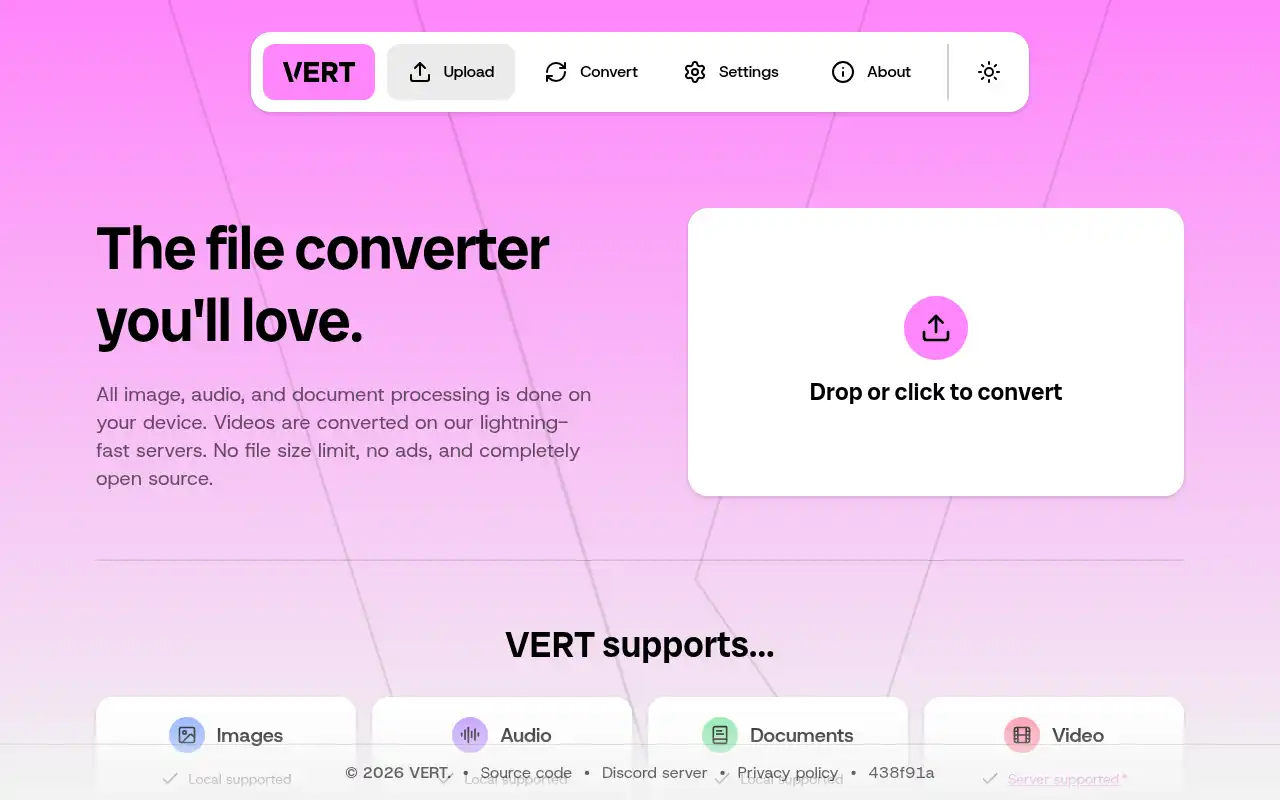
VERT takes a fundamentally different approach to file conversion: it runs entirely in your browser using WebAssembly. That means your files never leave your device for image, audio, and document conversions. No server needed, no uploads, no privacy trade-offs.
- Features: Browser-based conversion via WebAssembly (fully local for images, audio, and documents), no file size limits, no ads or tracking, dark mode, clean minimalist UI, server-side video conversion with automatic deletion after 1 hour, self-hostable video daemon (vertd) built with Rust and FFmpeg.
- Why You Should Use It: If privacy is your top priority and you don't want to run a server, VERT is unmatched. Image and document conversions happen entirely on your device with zero data leaving your machine. It's also the most frictionless option: just open the website and convert. No accounts, no Docker, no setup.
- Why Not: Video conversions require server-side processing (though the official instance deletes files within an hour). Format support is narrower than ConvertX or Transmute since it's limited to what runs in WebAssembly. There is no batch processing or multi-user management.
- Pricing: Completely free and open-source (AGPL-3.0). The hosted instance at vert.sh is free. Self-hosting the video daemon is also free.
5. HRConvert2
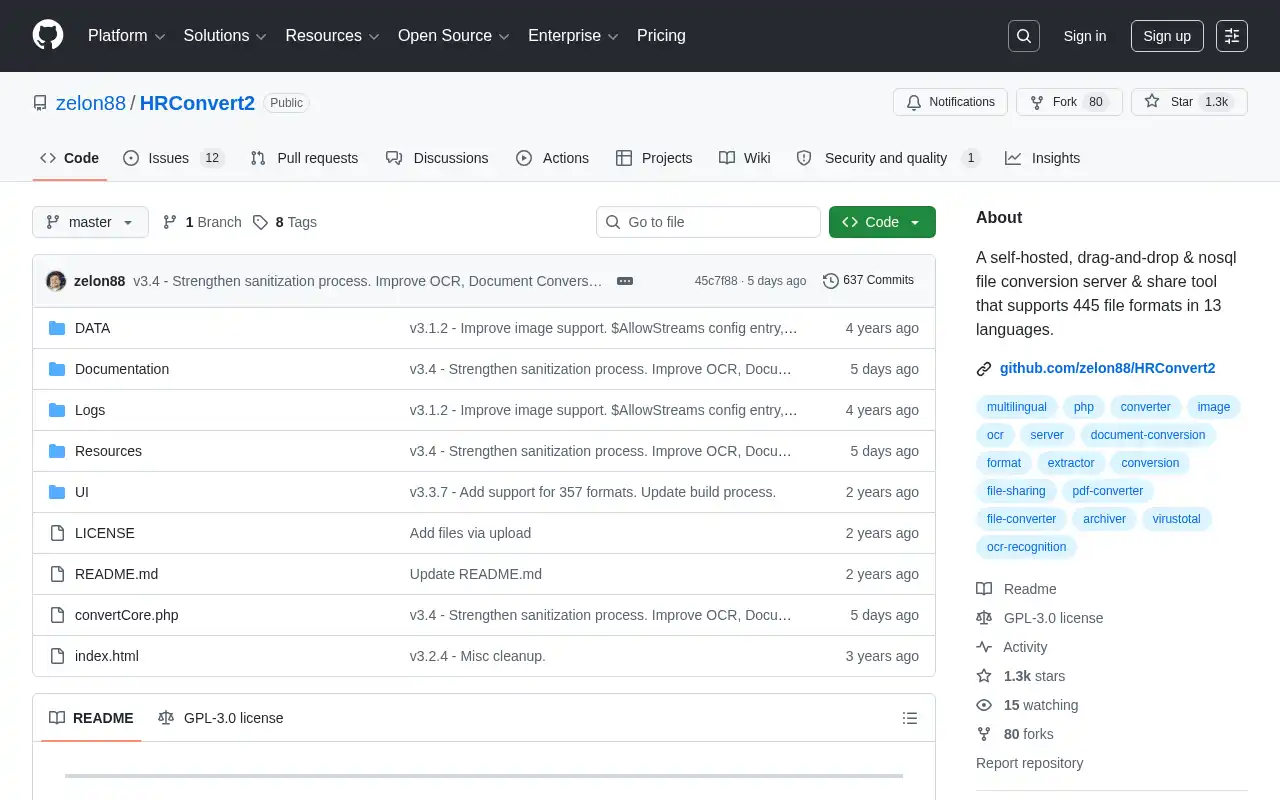
HRConvert2 is a self-hosted file conversion server that supports 445 formats and stands out with built-in OCR and virus scanning. It's the most privacy-focused option on this list: no databases, no cookies, no cache files, no external connections, and no analytics.
- Features: 445 supported formats, OCR for PDFs and images, ClamAV virus scanning (background and on-demand), drag-and-drop interface, temporary file sharing links, per-user scratch space, 13 built-in languages, 4 color schemes, and zero external dependencies.
- Why You Should Use It: If you need OCR capabilities alongside file conversion, HRConvert2 is unique in offering that out of the box. The zero-dependency architecture (no databases, no cookies, no frameworks) makes it incredibly lightweight and easy to audit. Built-in virus scanning is a big plus for shared environments.
- Why Not: The UI feels dated compared to ConvertX or Transmute. Format support (445) is lower than ConvertX (1,000+). It requires a PHP/Apache stack rather than Docker (though community Docker images exist). There's no REST API for automation.
- Pricing: Completely free and open-source (GPL-3.0). Self-hosting only.
Conclusion
| Tool | Best For | Ease of Setup | Focus | Cloud Pricing |
|---|---|---|---|---|
| ConvertX | Broadest format support, self-hosted | Easy (Docker) | General-purpose conversion | Free (self-hosted only) |
| CloudConvert | Cloud-based, API automation | No setup needed | Cloud conversion service | From €8/mo (free tier: 10/day) |
| Zamzar | Non-technical users, simplicity | No setup needed | Simple drag-and-drop | From $9/mo (free tier: 2/day) |
| Transmute | Polished UI, API-first self-hosting | Easy (Docker) | Modern self-hosted converter | Free (self-hosted) |
| VERT | Privacy, zero-setup conversion | None (browser) | Browser-based (WebAssembly) | Free (open-source) |
| HRConvert2 | OCR, virus scanning, minimal footprint | Moderate (PHP) | Privacy-first with OCR | Free (self-hosted) |
Each tool fills a different niche: CloudConvert and Zamzar for zero-setup cloud conversions, Transmute for a modern self-hosted experience with an API, VERT for fully local browser-based privacy, and HRConvert2 for OCR and virus scanning.
ConvertX remains a fantastic choice if you want the broadest self-hosted format support with a clean Docker setup. But depending on whether you prioritize convenience, privacy, OCR, or API automation, one of these alternatives might be a better fit.
If you want to deploy ConvertX with one click, check out Self-hosting ConvertX the easy way.